Just a question: On your first try, did you switch the pedalboard? Did you try loading a different one and then reloading the problematic one? Sometimes I notice that a full reload fixes these kinds of bugs.
I’d like to know just to try hunt the bug 
Just a question: On your first try, did you switch the pedalboard? Did you try loading a different one and then reloading the problematic one? Sometimes I notice that a full reload fixes these kinds of bugs.
I’d like to know just to try hunt the bug
No, I never went back and forth with different pedalboards. I didn’t think that far.
New Release — Merged @AndyCap’s contributions + Per-Effect Audio Level Monitor
Excited to share a new release that brings two significant updates:
@AndyCap’s Work Merged Andrew’s contributions are now part of the main branch. Since I don’t have the hardware to test these changes myself, I’d really appreciate your help catching any bugs that might slip through — please report anything unusual you notice!
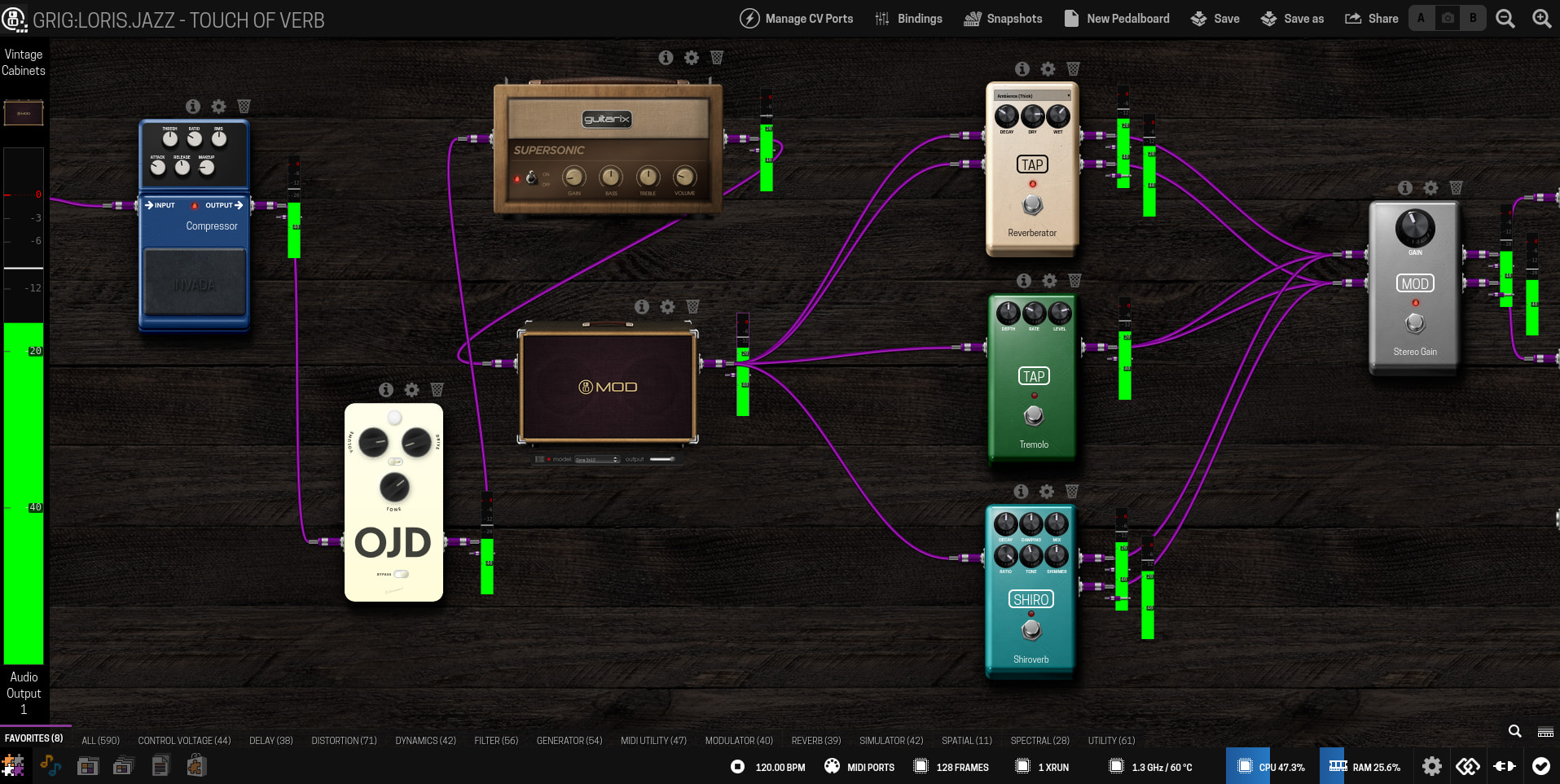
Per-Effect Audio Level Monitor You can now enable an audio level monitor on a per-effect basis, giving you finer control and visibility over your audio chain (check the documentation).
More details in the release page.
Please test it and report back here, or open an issue in the GitHub repository.
Download: Release aLabs version 12 · sejerpz/alabs-mod-custom-images · GitHub
Very Cool, and very well thought and designed.
Wow, amazing !!!
I’ll test it as soon as possible !!!
Oooh, nice. I will install this tomorrow and give it all a test. Nice job.
Very happy this stuff I did years ago has now got a home
Hi,
I’ve just installed and tested the Level Monitor, and it seams to work like a charm !
It can be activated on a midi or CV output but it doesn’t show the value send or the voltage. It may be a nice to have (if it doesn’t need a complete rework)
For the midi response I don’t see how can I assign a pot to a midi message AND a device button. Did I miss something ?
Thanks again for your work @AndreaDelSignore and @AndyCap !!!
I don’t think that was ever there was it?
I seem to remember it was one or the other, I could well be wrong though!
oh, sorry I mixed up some old requests…
How could I test the code you wrote ?
If you map a midi control then when you change that control on the web ui, or change presets you should see that midi message being sent out of the dwarf and back to the controller.
I have noticed that NRPNs are currently disabled (my fault) so just use standard midi messages.
I might take a look at being able to have multiple controllers on the same parameter, say a device knob and a midi controller. It may be a bit hard to shoehorn in though as it all seems to be designed for a single controller.
Hi Andrea, sorry about this but the NRPNs were disabled in the code I gave you 
I have been having some git nightmare but the small change needed is here: Enable NRPNs without having to use ENV vars, Sorry! · mod-audio/mod-host@f4b951a · GitHub
I’ve just released version 13, but I won’t be able to test it until this evening (family duties  ).
).
Now nrpn messages should be enabled by default (Andrew, no problem at all).
If anyone here has some time to try it, here’s the link:
I dont’ think that this should be allowed, but I’ll investigate on what mod-host provides in this regard 
Hello,
I have Midi cc assignment issue with V.12 and V.13. When I send the CC it disconnect the GUI.
No problem with V.11
same here @AndreaDelSignore
opende an issue
I can replicate that here with a bi-directional midi controller, it’s nothing to do with the hardware controller being bi directional or not, so some other problem.
It’s in the code I did, I have the debugger on it now…
@AndyCap thanks to your support.
While you are there what do you think about this approach: Renable midi feedback environment variables · Issue #2 · sejerpz/mod-host · GitHub ?
Yep I can put that back in, I only removed it because I thought it would make it easier for you
I’m looking into why those toggles don’t work at all with the midi feedback, so the simple fix to stop it crashing needs a bit more investigation to get it to actually work!
@Phil @zwabo Is this by chance only happening on the Bypass button? Does it work fine on all the other controls?
It’s for all controls.