I recently got one of these, my plan was to try it out and if it did not do what I wanted to strip the innards and replace with a self-build microcontroller system (which I have done in the past) … the Chocolate was quite cheap and less than getting the separate elements individually … however as it seems sufficient at present I’ve not done this nor opened it up.
Fair point about the app tho … might have to do some snooping on the bluetooth connection to see if I can figure out the protocol.
Hi @SrMouraSilva,
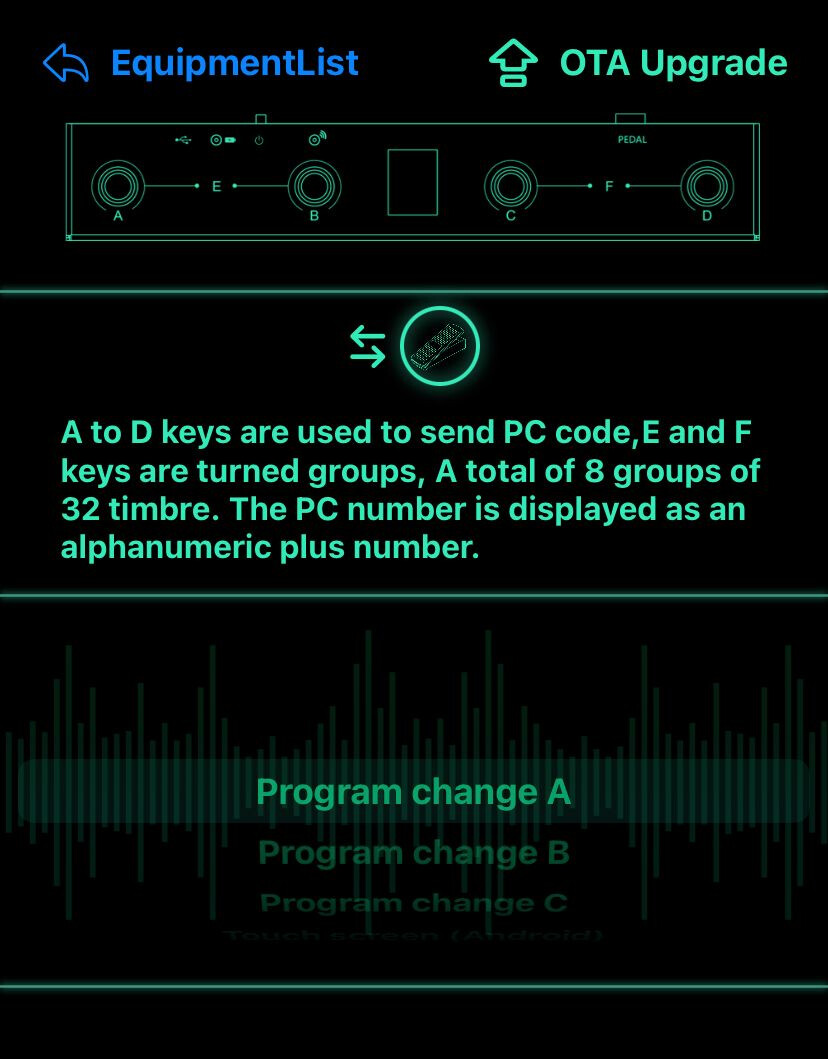
I was using the Chocolate to control the LP3 with the limits you pointed out (lack of feedback in the custom modes). I just tried the Program Change A mode to navigate through snapshots and realized the Chocolate is actually a pretty good option for that purpose.
@SrMouraSilva
If I’m not wrong you said that Chocolate can be connected to the Dwarf via Usb.
Is this correct?
If Yes, it would be connecting Dwarf Usb A to Chocolate Usb C?
I’ve just ordered it, it will be at home at the end of this month.
Did you tested the expression pedal input?
Mine arrived yesterday and step was was a success:
connect with the supplied cable USB to the Dwarf (host A); have the midi control (beta) plugin show me that the Dwarf receives data.
Next steps
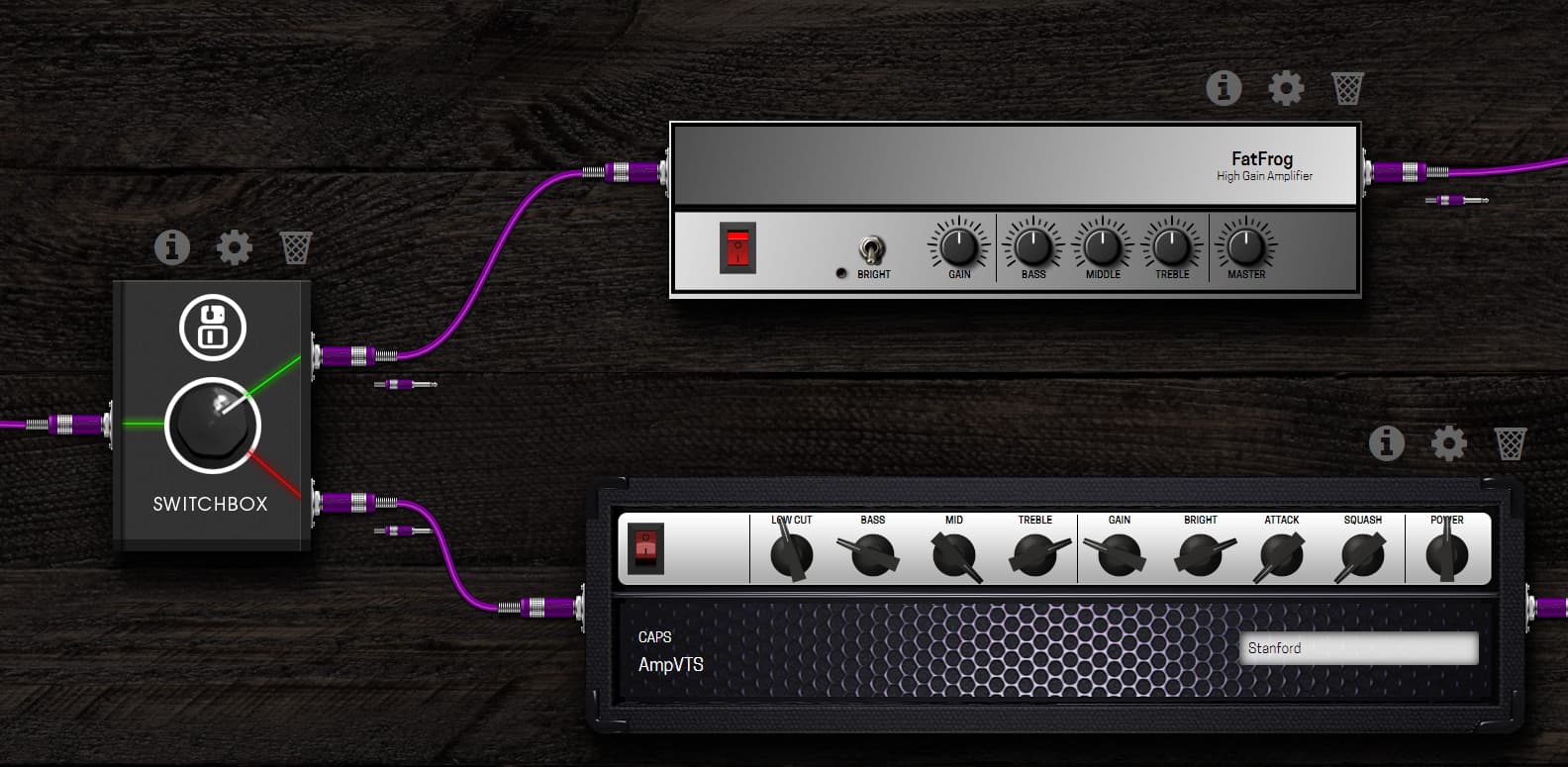
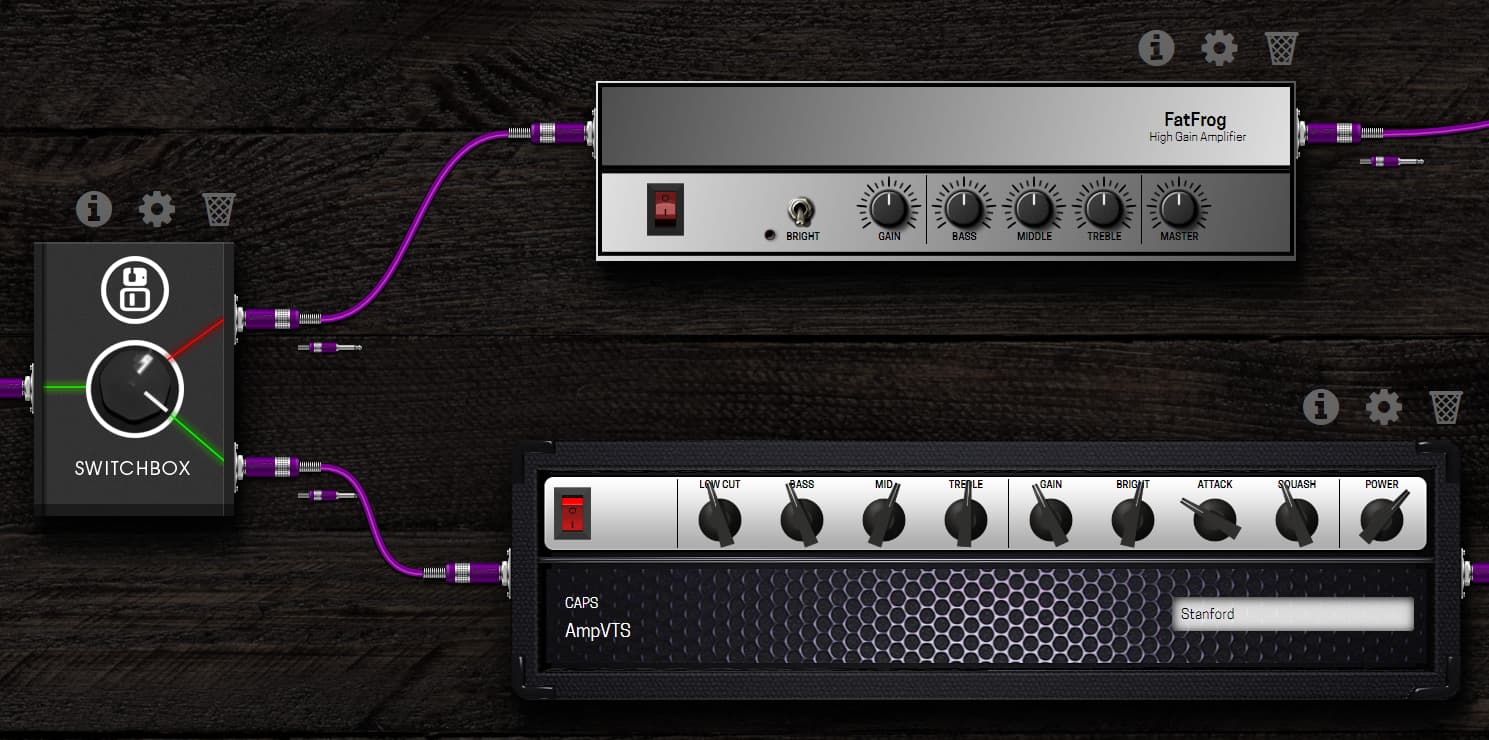
trying to get a chain switching plugin to be alternating between channel 1 and 2 when pressing a button on the Chocolate
Trying to browse snapshots with the Chocolate
Trying to change boards with the Chocolate
@SrMouraSilva Thanks again for your documentation! I managed to scan a QR on the webpage that pointed me to an app in the apple appstore.
I noticed som of the screenshots are missing in the section where I try to map a press of a button to the behaviour of a plugin. If you have the time, could you chech this because I was a bit stuck. I’m pretty new to MIDI etc so it isn’t all that intuitive for me at the moment
This is actually very easy using Program Change A though this mode doesn’t allow to choose channels so you can’t browse pedalboards and snapshots at the same time. If you have to do both, you may find a way using the Advanced Custom Mode but you will loose visual feedback. So I would advise that you choose between pedalboards and snapshots and use Program Change A which is the best and easiest one for this kind of use.
Anyway, switching pedalboards in the middle of a song is very inconvenient because of the latency. So my preference would be to use only one pedalboard in a song and switch pedalboards between songs by pressing buttons B and C of the Dwarf. So the Chocolate would only browse snapshots and benefit from the visual feedback of Program Change A.
Thanks, I’ll check that “program change A” and that wiki page
True and indeed, that was never the plan.
Thanks to the new Portal however, fitting some sounds in one board and switching snapshots might be everything I need per SHOW.
(one board for singer/songwriter showand one board for the “Heavy metal Thrash” show)
alternative scenario is switching a 2 or 4 way switch plugin but snapshots is my #1 prio now
I don’t think you can choose the channel with Program Change A. I think you have to set Snapshot PC-channel to 1.
They call the snapshots according to their position in the list, using their index. You’ll be able to see that behavior once you set the right channel.
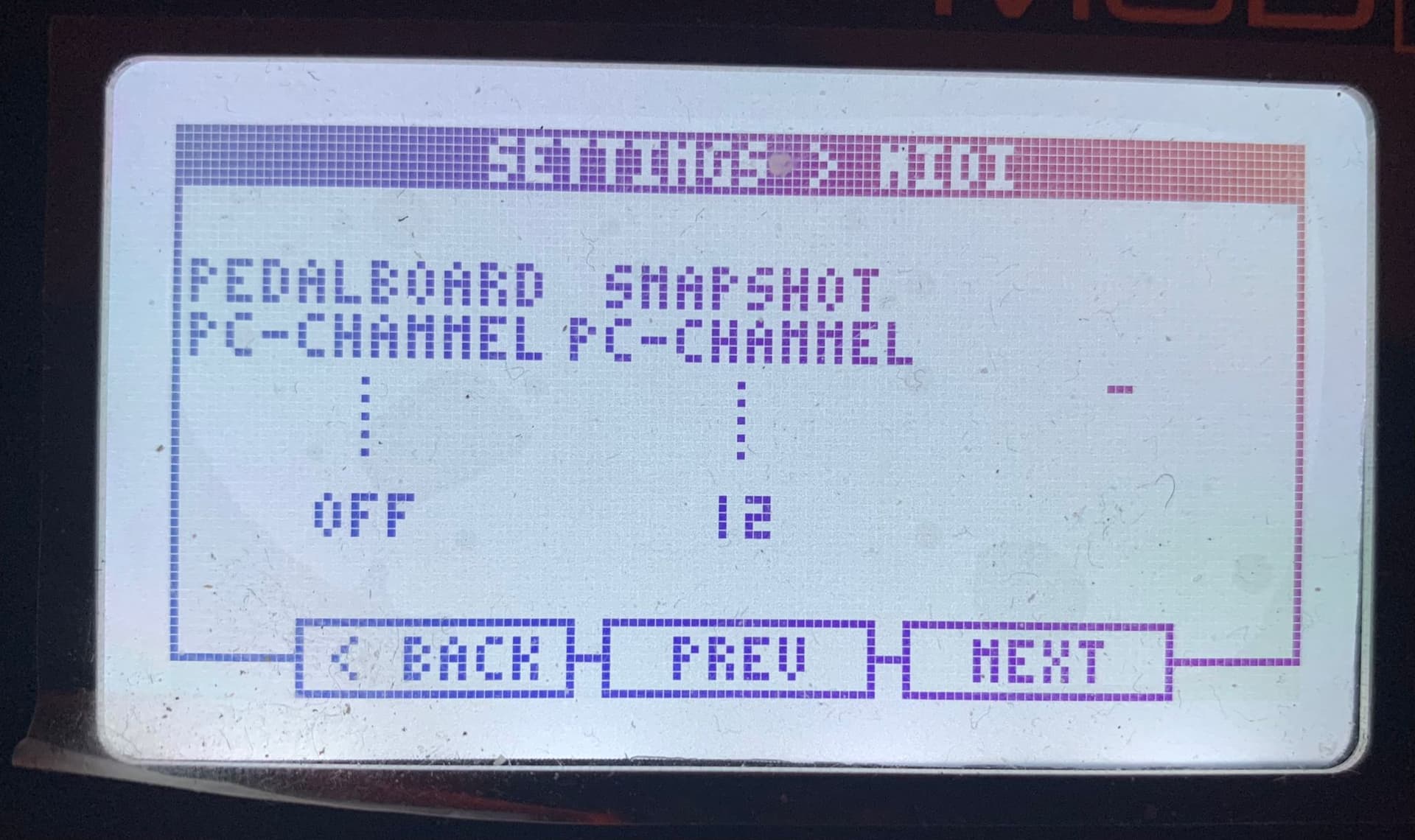
setting the pc snaptshot channel in the Dwarf settings to 1 didn’t help.
tried a fews things with different channel settings in Dwarf settings menu , with usb to pc connected and disconnected, rebooted device etc
This means that if PC 1 is issued, the first pedalboard will be loaded, if PC 2 is received the second pedalboard will be loaded
I think your PC messages need to have values 1 (first snap) or 2 (second snap). It might be that you’re sending value 0 which is ignored and value 1 which is your presumably already loaded first snapshot. Try selecting the second snapshot in the web UI and then sending MIDI messages to see if it changes. …or add a third snapshot and selecting that first to see if there’s a “off-by-one” thing happening. Your screenshot above implies channel 0, but IIRC MOD maps 0 - 15 to 1 - 16 in the settings?
I just dug my MIDI controller out of storage so I can try a little later if needed to help confirm.
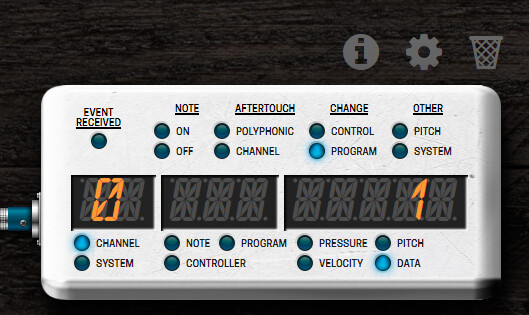
Yes, MIDI display shows channel 0 when I send a PC message from the Chocolate. But it works when I set Snapshot PC-channel to 1 in the Dwarf.
The same for PC messages. Footswitch A on the Chocolate shows 0 in MIDI display. But it selects the 1st snapshot on the list. The good old IT indexing way.
@LievenDV
I just made some tests and it works on my side so make sure you set Snapshot PC-channel to 1 again and that you have several snapshots on the pedalboard. Use MIDI display to troubleshoot.
Maybe I did. Try to reboot the Dwarf after setting the channel, who knows.
Hi there
Dwarf newbie here from Italy, just bought it two monthes ago and having fun since then with this brilliant piece ok kit. Already owning Hotone Ampero and Headrush Pedalboard and having all my needs covered by both of them but I was searching for a not mainstream device and the dwarf came along.
As a guitar player playing and gigging in a local pop-rock tribute band, my chain is AMT Bulava (for a analog flavour starting ponit tone) → Digitech Digidelay (set it up just for thickening the solos) → Dwarf (for multif fx+IR) → FOH
Going to the point
Just bought the Chocolate to expand the switches flexibilites. The idea is to connect the C USB to the to the Dwarf’s A one as some of you already mentioned it on this chat but I’ve no clue how
Is there a special USB cable having A and C plug ends? Do I need a USB hub? Or what else?
Sorry if the question could look stupid but I’ve really no experience
Any help would be appreciated, thank you in advance
Yes it’s a standard usb A to usb C cable.I think it’s in the Chocokate box.
In Italian
Si è un normalissimo cavo da usb A a usb C dovrebbe essre compreso nella confezione del chocolate, comunque lo trovi in tutti i negozi.
A me il pedale dovrebbe arrivare oggi o domani