Yep, I would say it’s broken. I added some more info in my previous post.
Also be aware that sometimes moving through a long list, the timeout closes the list. So thanks to this “bug” we are closer to the desire selection…
1 Like
Oops… that’s another bug 
I have been trying to work out what’s going on and the magic number seems to be 3!
If you have the 4th preset selected and then only try to choose presets from the 4th preset on everything works as expected.
So preset 1, 2 and 3 are dodgy.
1 Like
standard controller firmware?
yep
1 Like
On a side note, I hope to publish an updated Starless image soon with all the other known bugs fixed (except for the last one we’re discussing, which has been present in the standard firmware for quite a long time).
I won’t include the mod-host modifications yet — I’d like to stabilize this release first, and then introduce further changes in a later update.
4 Likes
Hi @jon how many presets do you have? I’ll try to replicate this evening
Reproduced, but not and easy fix 
Thanks!
EDIT: For the next release I implemented a workaround. However, this is not a proper fix, since the page is not refreshed when the preset changes. You can manually refresh it by switching to the next page and then going back again.
2 Likes
Hi! Thank you for your work! I have a few observations:
I`m currently on Windows 11 and firefox
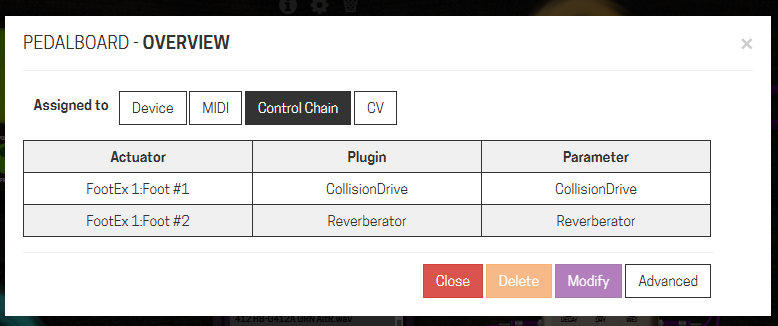
- When Control Chain foot controller is assigned Bindings does not open, but opens again once Control chain assignment is removed.
- In presets menu REN, delete and one of the “save” symbols are greyed out and does not work
Hi,
thanks for the report:
- yes I’m aware of the problem, a tentative fix will be included in the next release, but I’m not sure if it will fix it (see the messages I sent to @Abotte earlier)
- All of this is fixed as well in the next release.
New release - aLabs version 10
This is a bug-fix release. Preset selection should now work in most cases.
Please test it and report here.
Download: Release aLabs version 10 · sejerpz/alabs-mod-custom-images · GitHub
11 Likes
4 Likes
21
Little side notes:
- This behaviour doesn’t happen on the last element of the list
- it affects almost all plugin editors with presets (I have a cabinet loader with a single preset that stays fine)
Correction: it is not on the first element of the list, but when I crossed through the one that was first selected. On another AIDA-X loaded in the same pedalboard (I have a double amp system), I have the first preset active and on that I never manage to select another preset with the plugin editor.
EDIT: not sure what the workaround is, but now with the new version it works totally fine  Thanks a lot once again @AndreaDelSignore
1 Like
The flaw with the workaround is that the “controls” on the page are not updated. E.g. talking about aida-x if your preset changes the antialiasing parameter you will not see the updated value until you go to page 2 and back.
1 Like
Hi Andrea,
It seems that the “Bindings” button in the builder’s toolbar is no longer working, preventing the ability to rearrange elements using drag and drop. However, the display of bindings remains accessible via plugins.
Thank you again so much. Your work is very helpful to us. To return to an idea already mentioned: have you created a Liberapay account? I’m sure many of us would like to contribute.
3 Likes
What tab? Because the only tab that supports the d&d is the device one.
here, or did I miss something ?

1 Like
Sorry @zwabo but I just tried and I don’t have any problem with binding dialog (version alabs10).
Can you give me some more info?
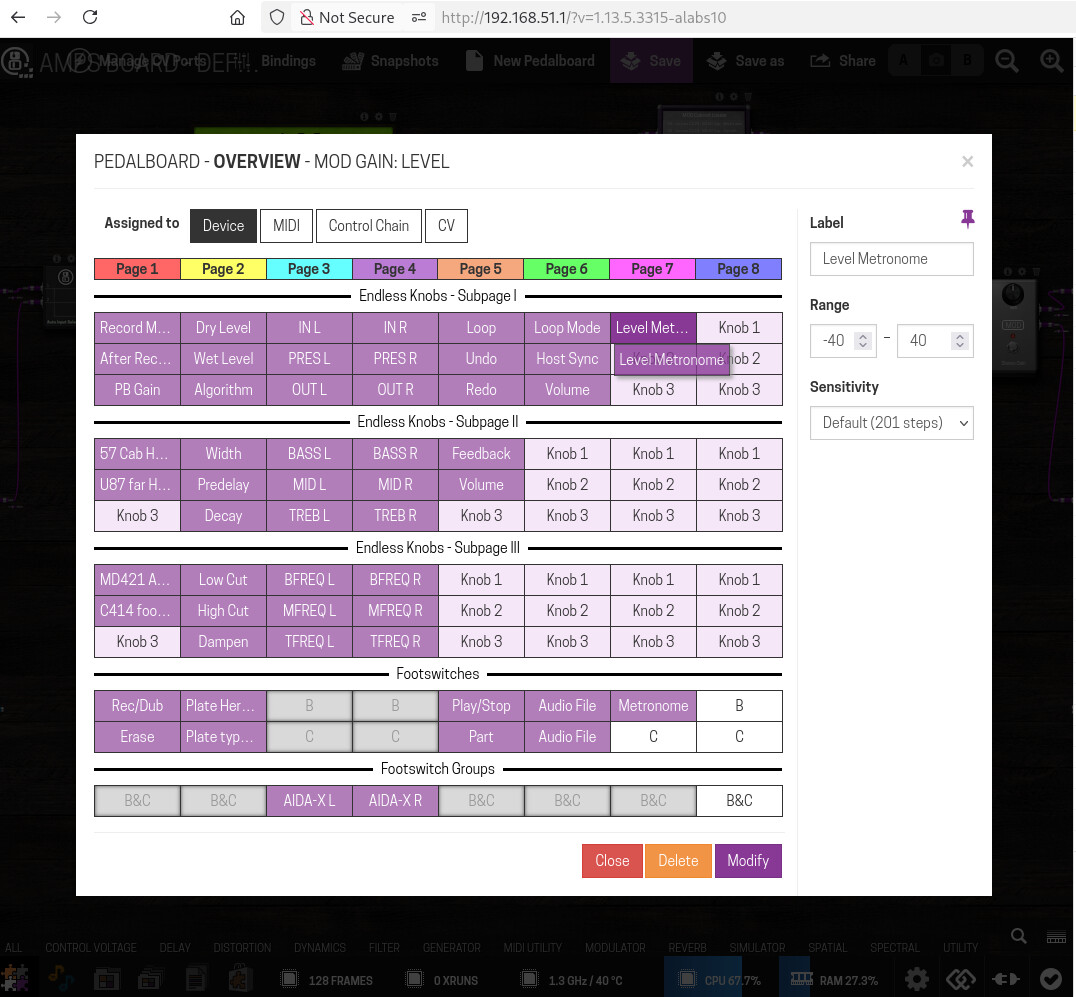
Okay, I’ve done some testing. What I’ve noticed is that when a pedalboard has multiple time plugins (Delay, Stutter, Grain, etc.) and these plugins have the “Translate value to musical tempo” option enabled to a time parameter, the “Bindings” tab becomes inactive. Here’s an example: