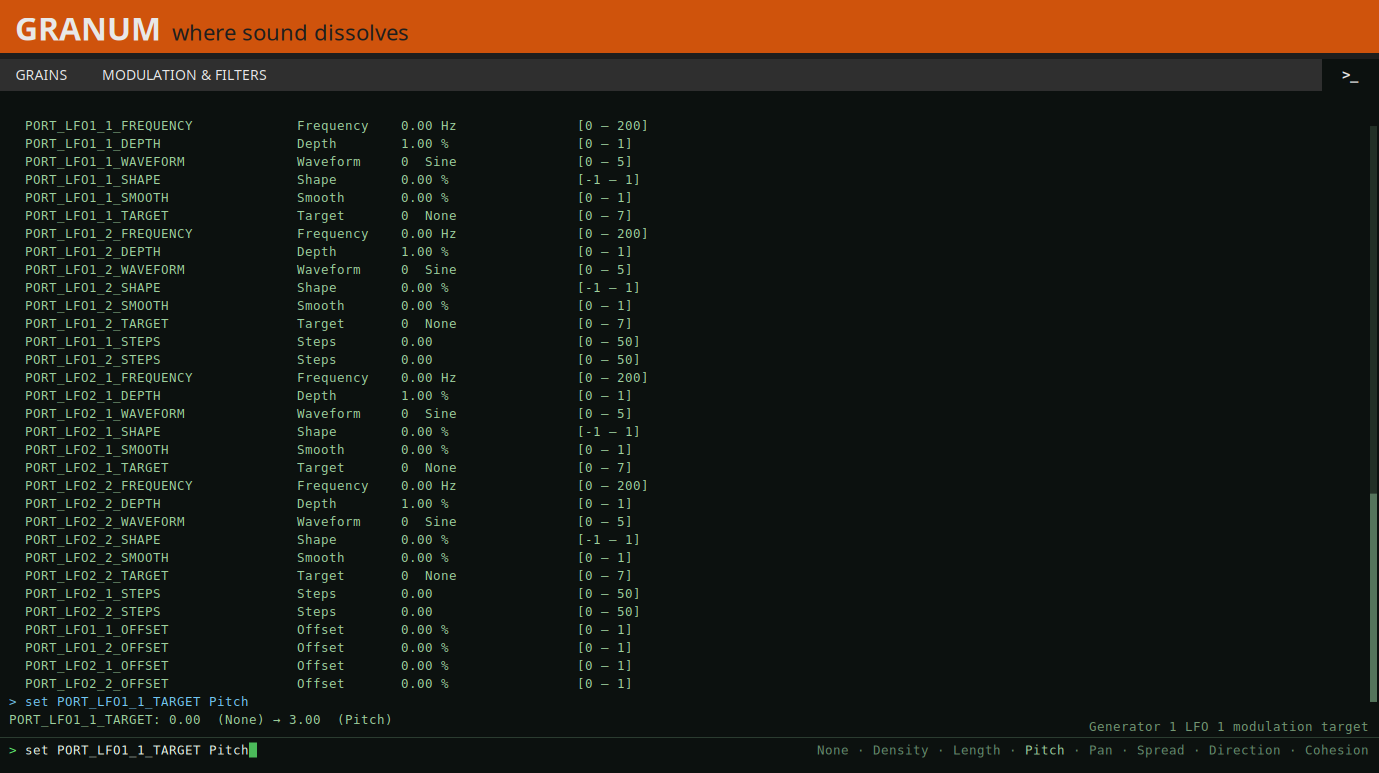
After copying, I would also restart the UI:
sshpass -p mod ssh -o StrictHostKeyChecking=no "root@192.168.51.1" "systemctl restart mod-ui"
At least that’s what I do and what works.
After copying, I would also restart the UI:
sshpass -p mod ssh -o StrictHostKeyChecking=no "root@192.168.51.1" "systemctl restart mod-ui"
At least that’s what I do and what works.
Thanks, all. I need to do some more learning and research on making an LV2 plugin in general it seems…
This isn’t intended to serve as a review of the plugin, but I’m pleased nonetheless that initial tests regarding sound and stability have gone very well. A test on the Duo X, however, is still pending. You’ll likely be hearing from me again when it comes to the Mod UI.
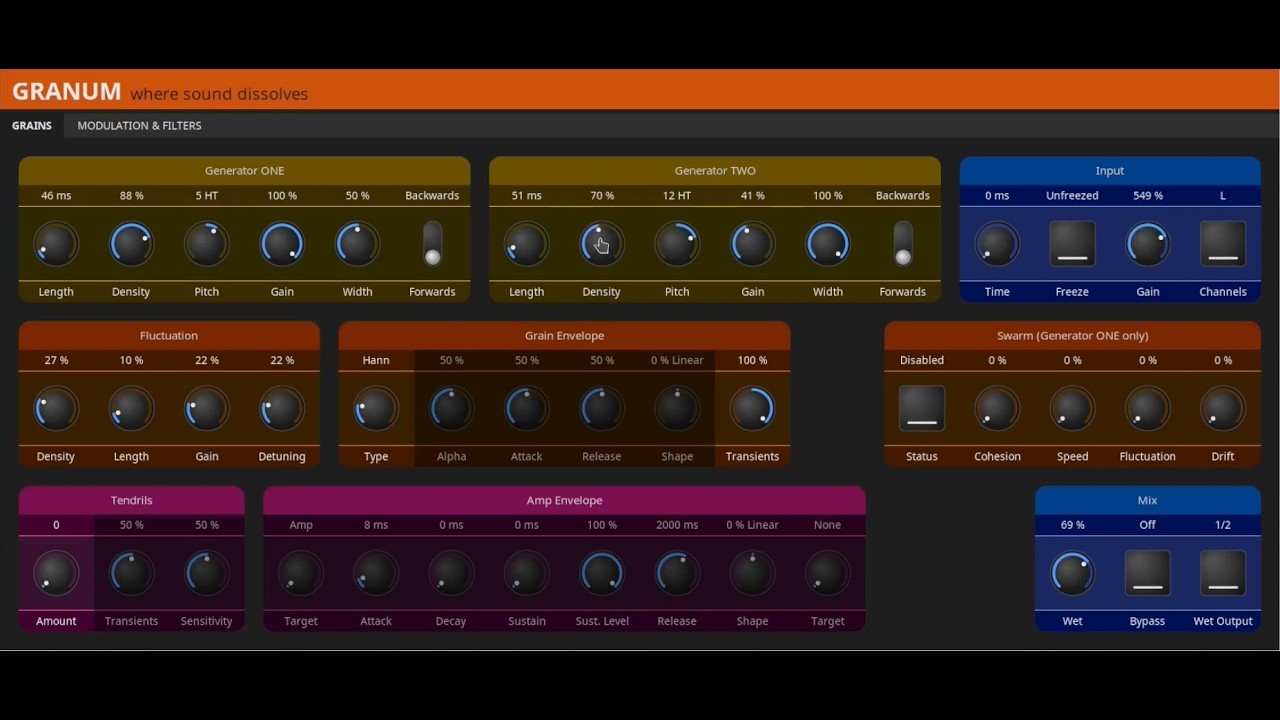
Hey Everyone - I am ready to get my plugin into the MOD ecosystem. I am reading the threads in the Developer category for deploying to the store but they are quite old (from 2017!). Is this still the procedure?
Also, if I want to entertain the possibility of charging a few bucks for my plugin in the future, is that still the procedure to start with?
Hey @mark_melvin that sounds like exciting news!
I’m cleaning up that stuff on the wiki. Most of it is indeed outdated. I’m not sure what are you using to create your plugin, but I would say that the http://builder.mod.audio/ is the way to go.
I would say that the best way to do that is to get directly in contact with the team. We are not hard to get in touch with 
Hi @jon - thanks for the reply. It is an LV2 plugin and I am using DPF and Docker/make via a Github action. Should I send you a DM to follow up on this?
Cheers,
Mark