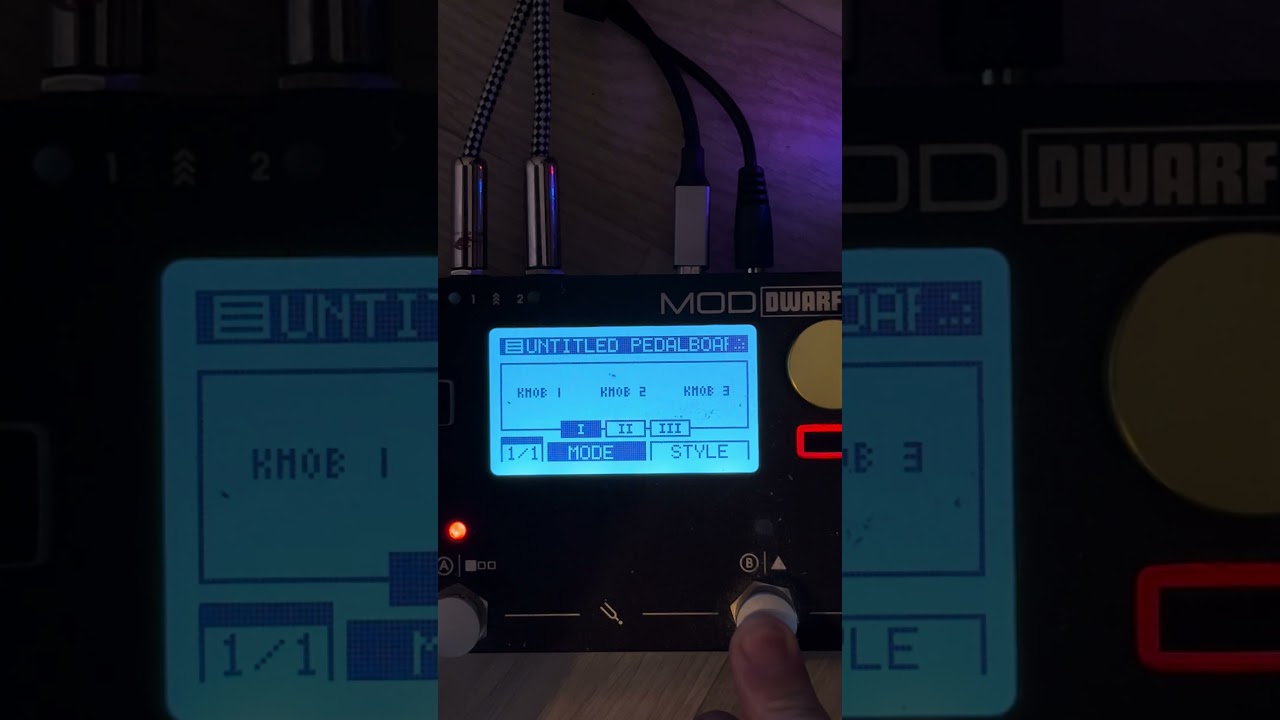
Wow. So cool. I installed it with WinSCP (copied “dwarf-tuner.lv2” folder to DWARF /root/.lv2). Despite the fact that there are a couple of unclear aspects (the sound is muted when the button is pressed and doesn’t return when pressed again), and the purpose of the “Long ms” and “Probe” buttons is also unclear, this plugin goes to my favorites.
On the “Long ms” question - in a pitch detector that name almost always refers to the analysis window length. It’s the fundamental tradeoff in tuners: a longer window gives you finer frequency resolution (you can resolve a couple of cents) but the reading updates more slowly and smears if the note is decaying or wobbling. A shorter window responds instantly but the reading dances around. Low strings need a longer window than high ones simply because you need enough cycles of the fundamental to measure it - a low E at about 82 Hz gives you only ~8 cycles in 100 ms.
So if the display feels sluggish on the high strings and jittery on the low ones, that one control is the knob to touch, and it’s normal to want different values per string.
For the mute behaviour V_P mentioned: worth checking whether the control is being treated as momentary rather than latching. If the plugin exposes it as a toggle port but the footswitch is assigned in momentary mode, you’ll get exactly that - mute on press, and no return on the second press because the second press is just another “on” event. That is usually fixable in the pedalboard’s footswitch assignment rather than in the plugin.
One suggestion for the plugin itself: muting during tuning is the right default, but a bypassable mute is worth having, since tuning quietly between songs while the previous chord still rings is something people do live. Nice work regardless - having the switch name on the display is the kind of small thing that makes a big difference on stage.