@AndreaDelSignore I didn’t want to derail the thread in "Performance view (version 1), so I decided to create a new thread that is actually a bit more specific to what @Abotte already picked up on.
I have been doing some more work on better utilising screen real estate at various screen sizes, especially smaller screens that might struggle with some of the orientations. I’ve also been experimenting with how certain components behave in order to make it nicer to work with.
I thought it was a good moment to just do a little brain dump so my thinking is out in the open for the benefit of collective understanding. Here are some of the core ideas that drove this initial concept.
It had to be for phone/tablet first.
It had to feel inviting to use.
It had to still feel like part of the MOD OS
Some of the component and feature ideation
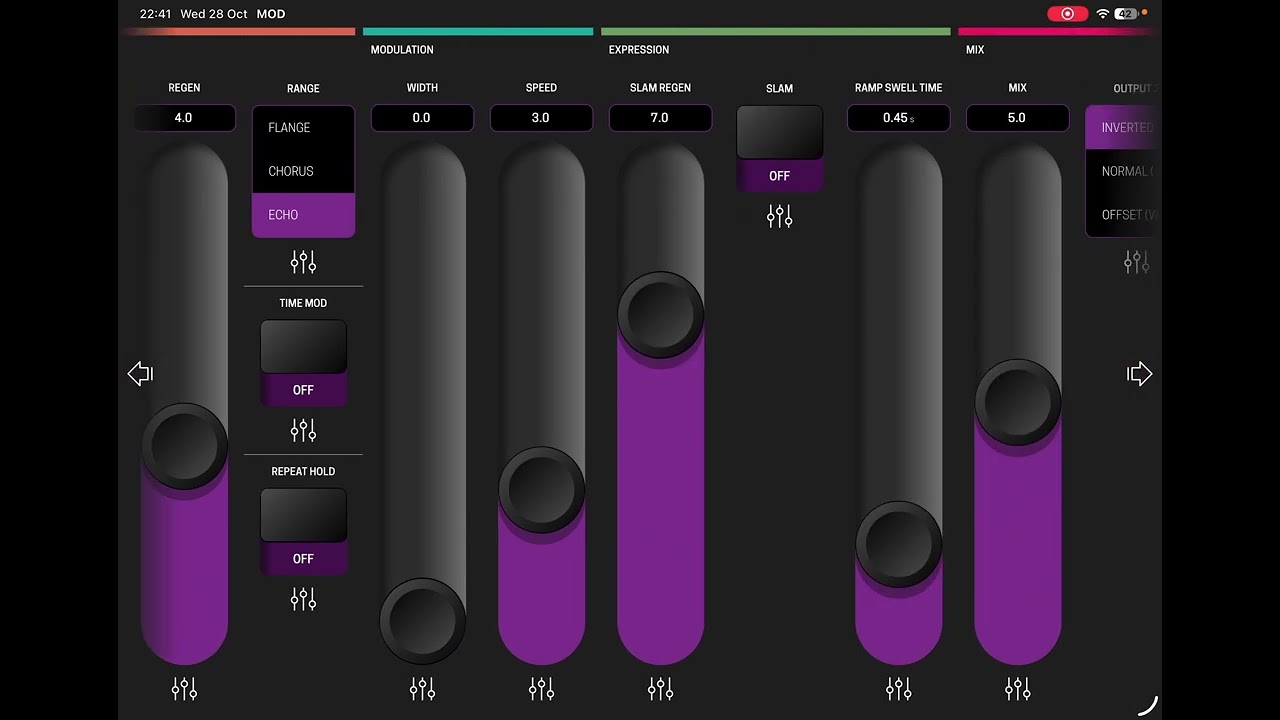
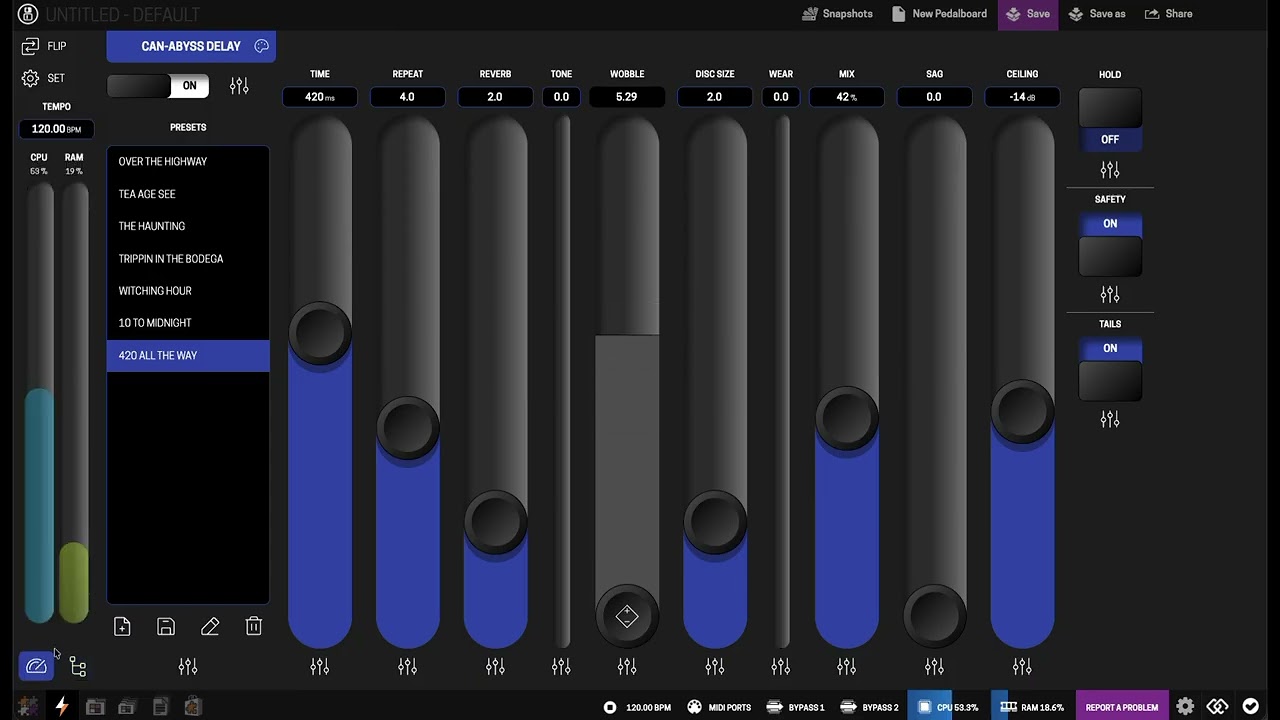
Sliders instead of buttons. Much better control for touch devices and less awkward for mouse use as well. scroll wheel already is more naturally aligned with an up/down movement.
Smarter controls. Minimise and lock unused sliders, clearer status feedback on bindings. click and hold for micro adjustment (x5 slower movement) and the active parameter change enlarges for easy read out.
Personalised surfaces. Like Andrea already suggested the control surface should be able to have a hint of the front of the pedal, or a colour that is useful to you.
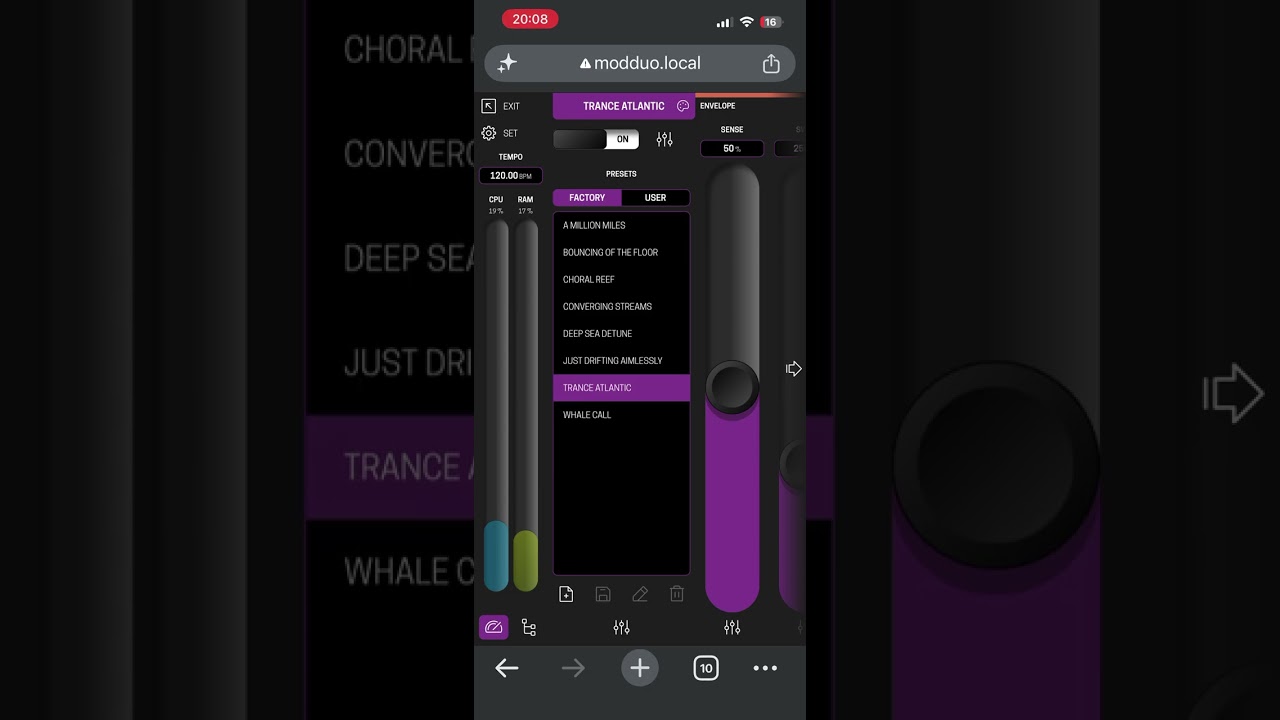
Proper preset browsing. List over the full height is way nicer to explore presets.
“System/Path bar”. Especially the path bar has quickly become my favourite. it simply allows hopping to the previous/next connected pedal without leaving the edit surface. That way you can “hop the chain” with minimal clicks. I think I’m going to explore how to refine this so parallel chains are visible. Maybe even grid diagram in a slide out tray to quickly jump to a location.
Full screen carousel. Still a nice way to immerse in the feeling of a physical effect or stompbox and a way to have a curated selection of surfaces. This is also great for plug ins where the controls make more sense if they are on a specific surface.
Overall, after using it for a couple of days, it feels intuitive to me. Would be interesting to see/hear other’s thoughts on some of the thinking, and if it holds up with what I think I want vs a larger group. I have added two videos of it running on a tablet sized window and on my phone (iphone 13, pretty small)
I need to take a closer look, but I like what I see! There are some great ideas that I could incorporate into my Performance View, like the flip feature.
What I’d differentiate a bit more is the different functional areas: the input/previous plugin area, presets versus other controls, and support for the group extension, of course (although that’s already done).
I’m still not sure about a 100% UI replacement. I’m still thinking about it.
Having said that, I really like what I see, and I’ll implement some of these ideas. Or, if you’d like to contribute, I’d be happy to include some of the functionality in Starless as well!
The community is welcome to use this in any way deemed useful. It currently runs as a patch that leaves MOD’s code completely untouched. I’ll just keep playing with this based on my needs to see where it takes me, but feel free to grab any and all individual parts to add to Starless.
I’m on a Duo anyway, so whatever I do is not Dwarf specific.
Edit: as i play with this interface more I use the front face less. I think having ergonomic controls that take up the whole screen is actually a major plus, especially with editing boards and presets. I think the carousel should be more able to display parallel lines, so i’m going to explore that a bit more.
Ok, this is not quite feature parity (yet), but I’m having fun.
Also, I’m running this hacked into MOD desktop so that’s why the inputs are missing (in case your wondering)
Bit of a rambling walkthrough of where it’s at. Recorded on my 10" iPad with the built in mic.
I’ll probably be refining this for some time, be interesting to hear what other people think.
If anything this is not to try and do super complicated setups, it’s more focussed on convenience and having the ability to use the touch surface on stage.
I’m still working on a “control surface” where you can assign controls from many different effects to a single surface. Anyway, if you curious, there’s a little tour below.
Well, one more week of letting a Product Designer unsupervised with an open source web interface! This one is more structured, I actually had a runsheet as there’s a lot to get through… (about 20 mins)
More refined, a bit smarter, and completely built for my needs, but that might work for you as well!
very nice and impressive ! A lot of thinking to solve some design limitations has been done here !
The icons alone – simple and uncluttered – are a welcome improvement; I often used to confuse the ‘shops’, ‘manufacturer’ and ‘folder’ icons in the current user interface.
I think Starless also allows a similar thing as “midi macros”.
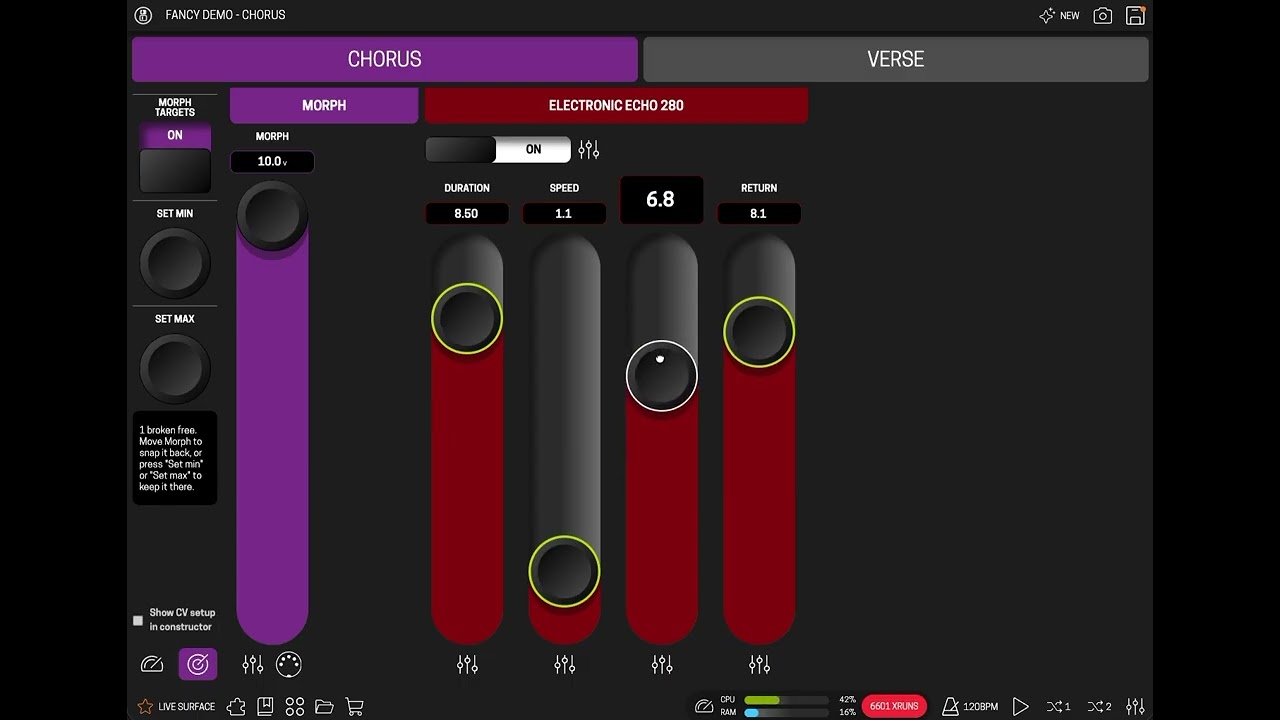
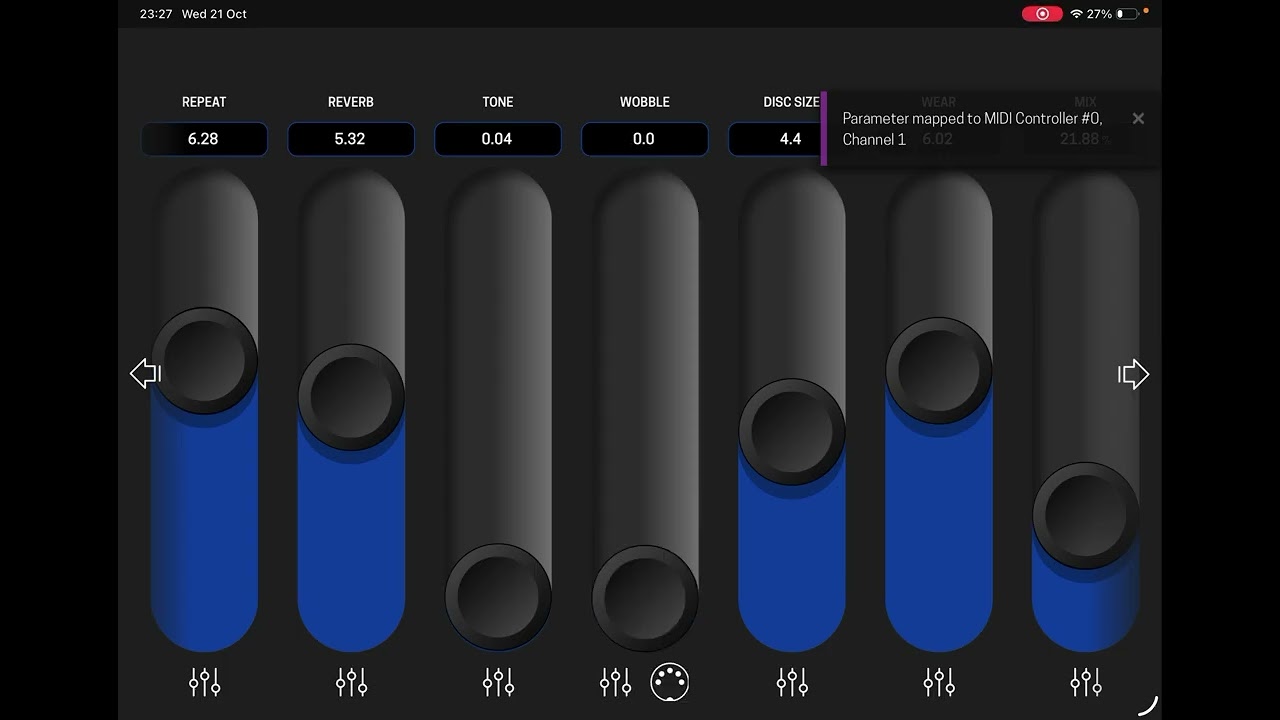
Here’s my take, which uses CV (It means it can work without modifying the MOD OS)
Up to 10 targets from the live surface can be set to morph between min and max value.
Controlled by midi (expression pedal), one of the MOD’s own knobs, or directly by the tablet.
I’m still actively refining it, but thought I’d show a preview.


 not demo ready yet. I want to get it so it can run as a PWA/web app.
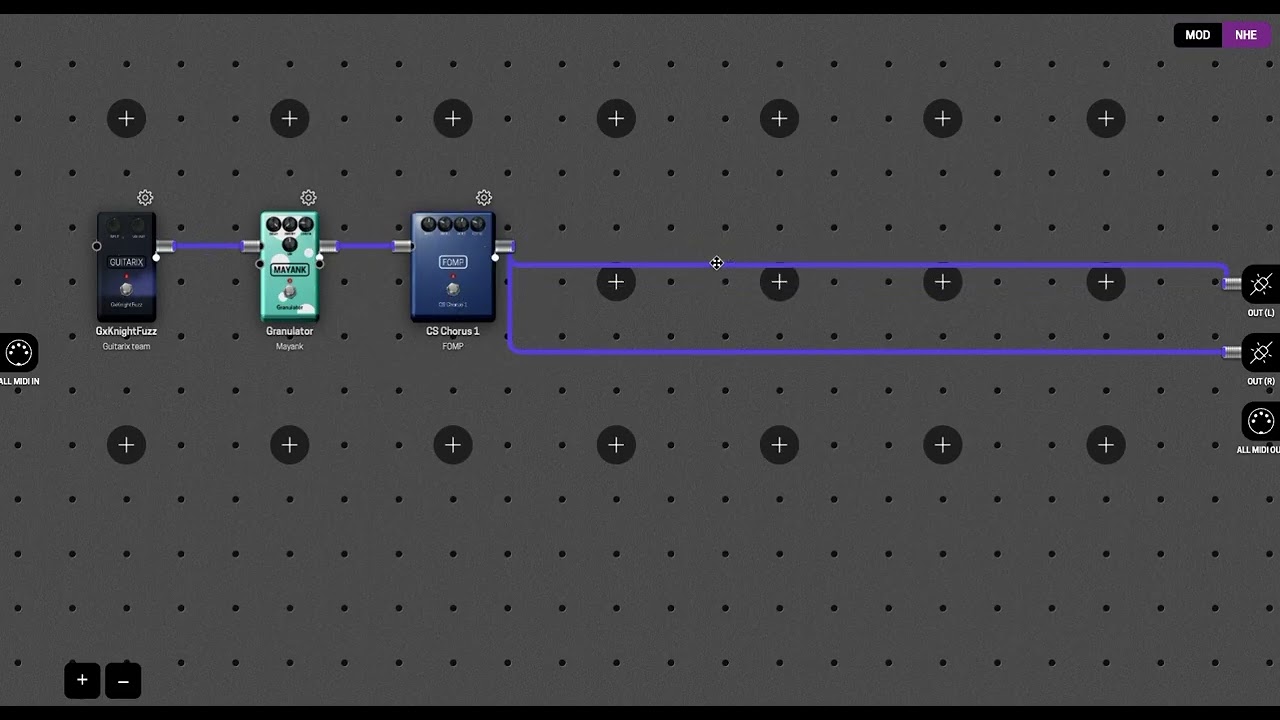

 I should be up this late… I completely forgot to show the wires can be rearranged and colour coded!